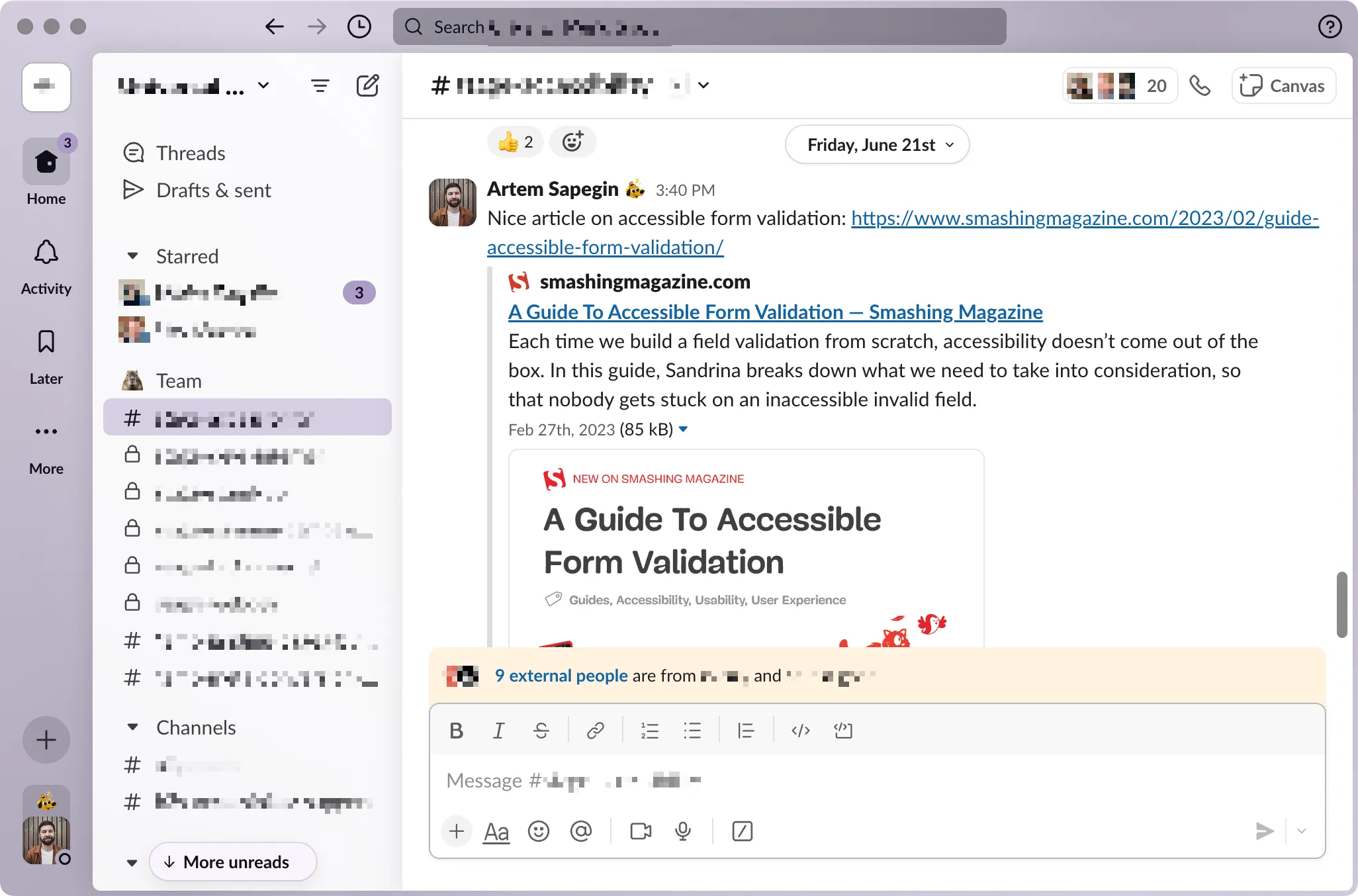
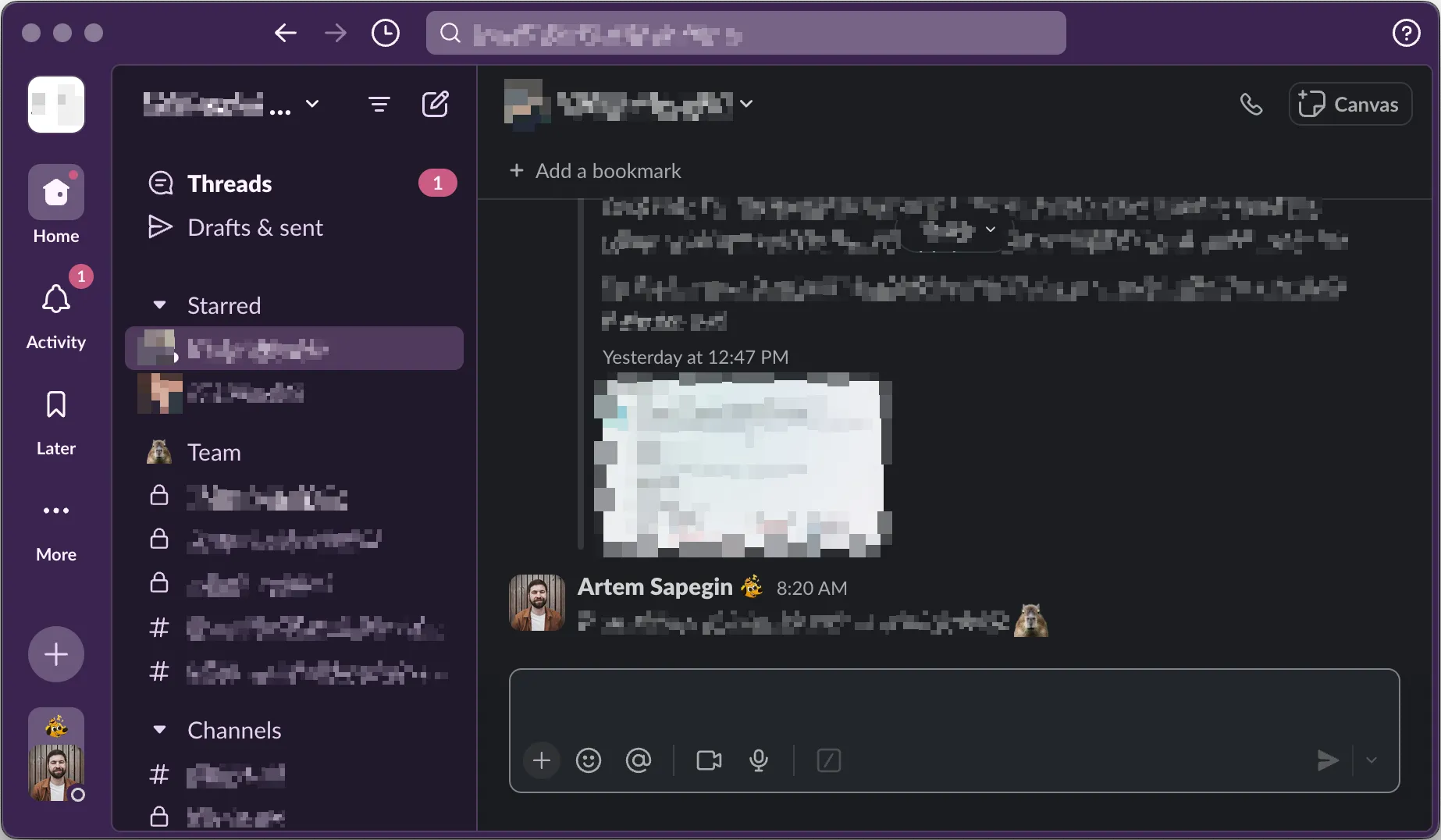
Installation
- Copy the values below for the light theme:
#ebe7f1,#d7cfe3,#5f9b8d,#806f9b
Or these values for the dark theme:
#36294d,#503f6e,#4f9593,#ca5a83
- Open Preferences → Themes in Slack.
- Select Light or Dark at the top Color Mode section.
- Under the Custom theme tab, in Theme colors section, click on ↑ Import.
- Paste the colors you copied from the previous step in the text field.