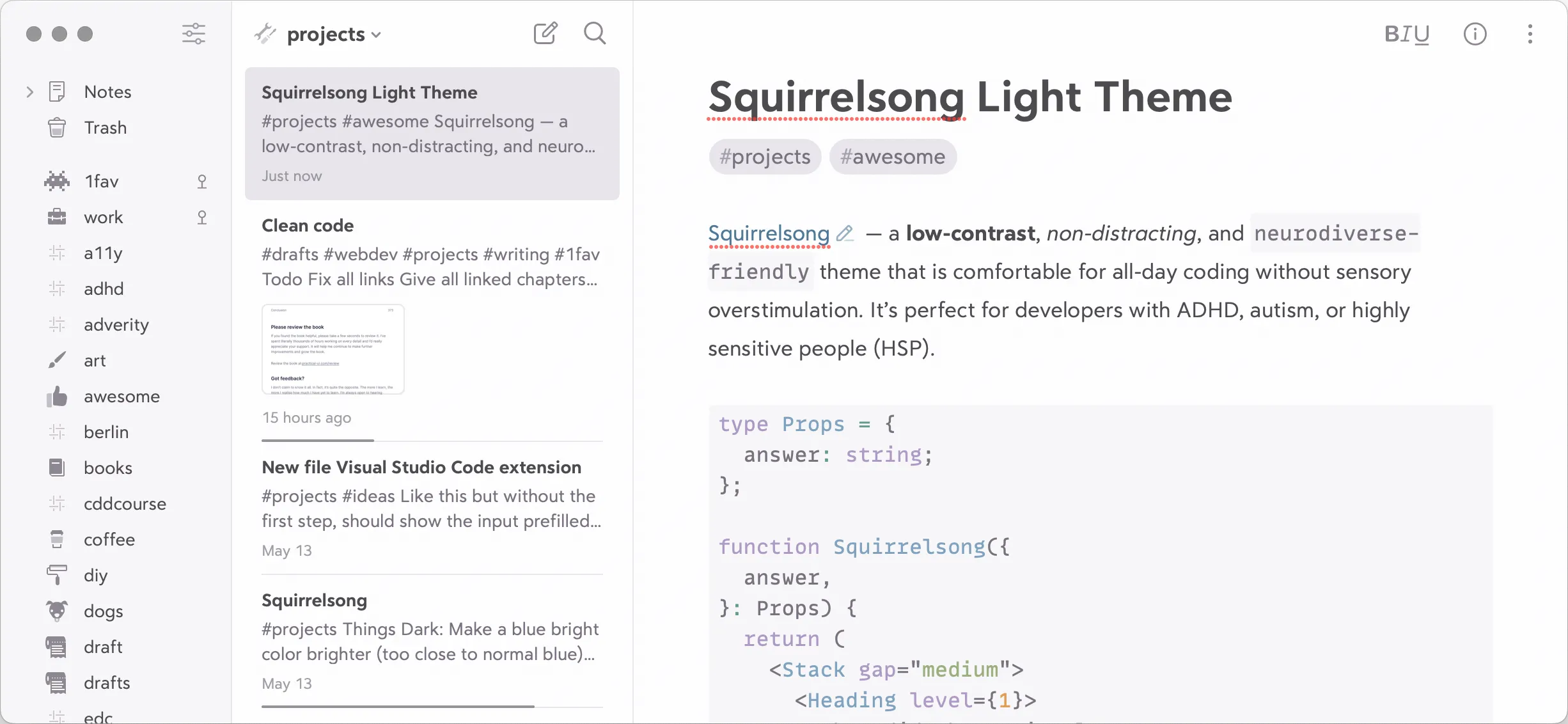
Warning: There’s no official support for custom themes in Bear, apply the following instructions at your own risk.
Installation from GitHub
- Download
Squirrelsong Light.theme. - Open
/Applicationsfolder in Finder. - Choose Show Package Contents on Bear.app.
- Navigate to
Frameworks→Bear Core Frameworks→Resources. - Replace any of the existing
.themefiles withSquirrelsong Light.theme. - Choose the updated theme in Themes tab in Bear’s settings.